MIDI Controllers 101
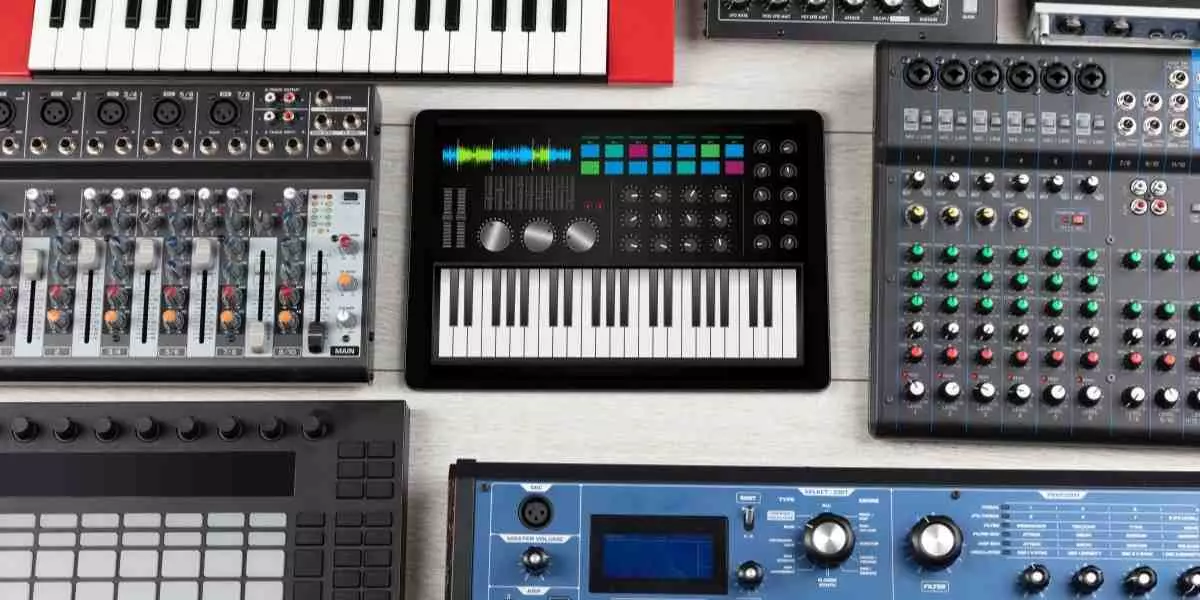
If you have ever played a digital keyboard or smashed away on an electronic drum kit, you have probably come across the term “MIDI”. Perhaps you have gotten an audio interface, and on the back of it, you see the alien-looking “MIDI OUT” and “MIDI IN”. As odd as the term may seem, it’s one of the coolest and funnest ways to use your computer or controllers to make any kind of music you’d like.
MIDI controllers are like the controllers that you use to play video games. Instead of controlling the character in a game, you’re controlling the sound(s) you want to play. It’s very much like using it as an instrument, and you can achieve any kind of music with such devices. From playing guitar solos to arranging a brass section and even playing some drums on a keyboard, all with the power of MIDI.
What is MIDI?
The term MIDI is an acronym for Musical Instrument Digital Interface. It doesn’t actually transmit audio, but it sends data to or from a source. For example, your computer communicates with your digital keyboard so that when you press the keys, it plays the sound you selected.
Why use MIDI?
Have you ever gone through your DAW (Digital Audio Workstation) on your computer, clicking notes on the piano roll with your mouse, having to spend a painful amount of time just to arrange some chords or melodies?
Well, this is where MIDI comes in: it lets you play and record these notes in real time while also automating changes in velocity, pitch, and vibrato. Not only does this save time, but it also makes your melodies sound more human and less robotic. Unless you like robot music.
MIDI is a tool, just as an instrument is a tool for the musician, and you may wonder why you would even bother with it if you could just learn to play an instrument instead.
Sure, you can learn to play the guitar, plug it right into your interface, and start recording. You got a great guitar track recorded, but now you need drums to go with it. You may not have drums or know someone to play for you, so you go snooping through some samples and find those drum sounds. Load them up on your MIDI pads, and you’re playing drums like you’re the drum machine.
It allows you to play instruments you may not have access to, all from the touch of your keys and pads. MIDI controllers are not only useful for recording melodies and harmonies, but can also be used for recording any changes over time on a knob or slider of a specific parameter you’d like to automate in real-time to give it a more natural feel. For example, controlling the low-pass filter from your DAW with your MIDI controller’s knob.
Types of MIDI Controllers
Keyboard Controllers:
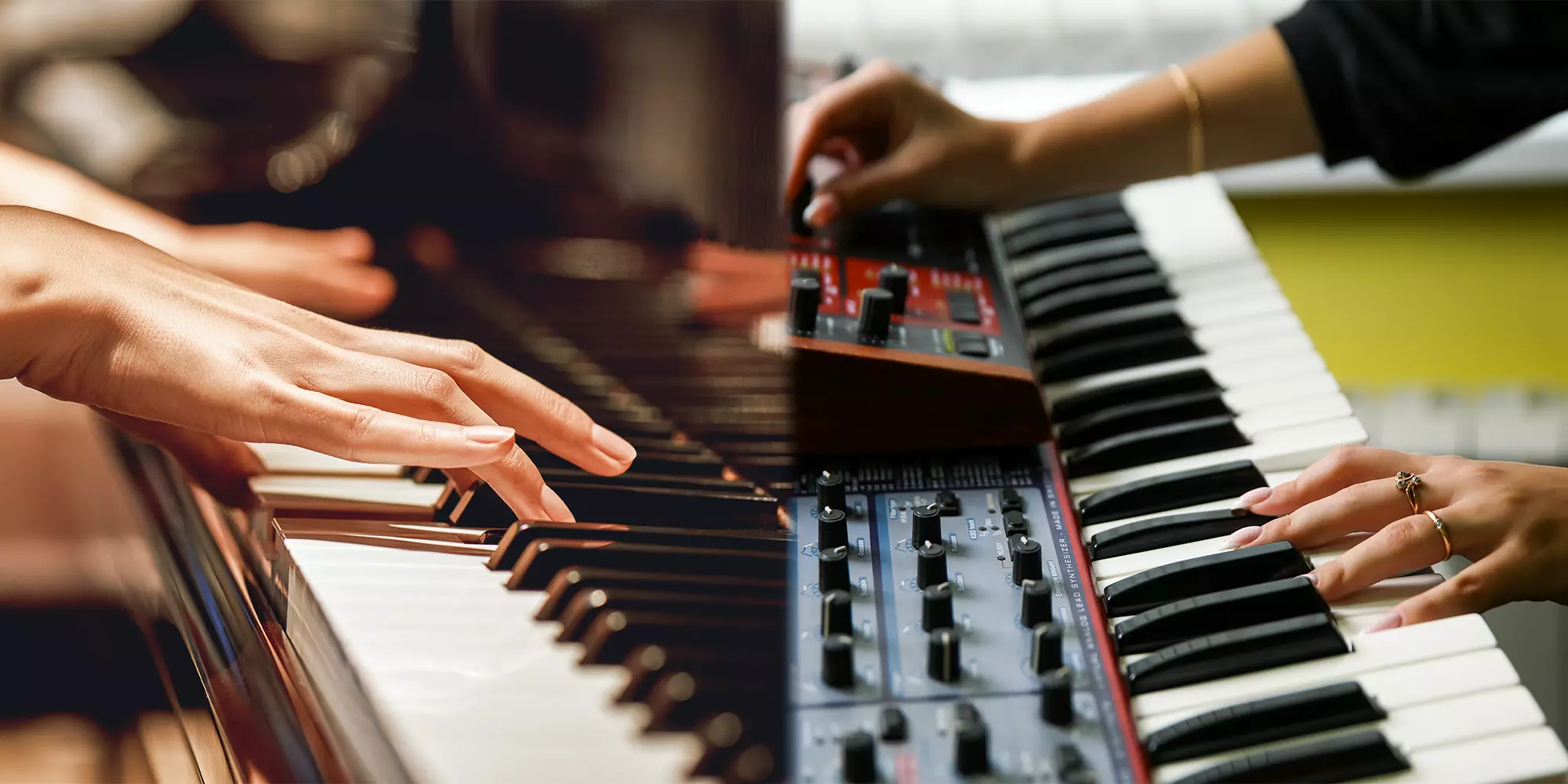
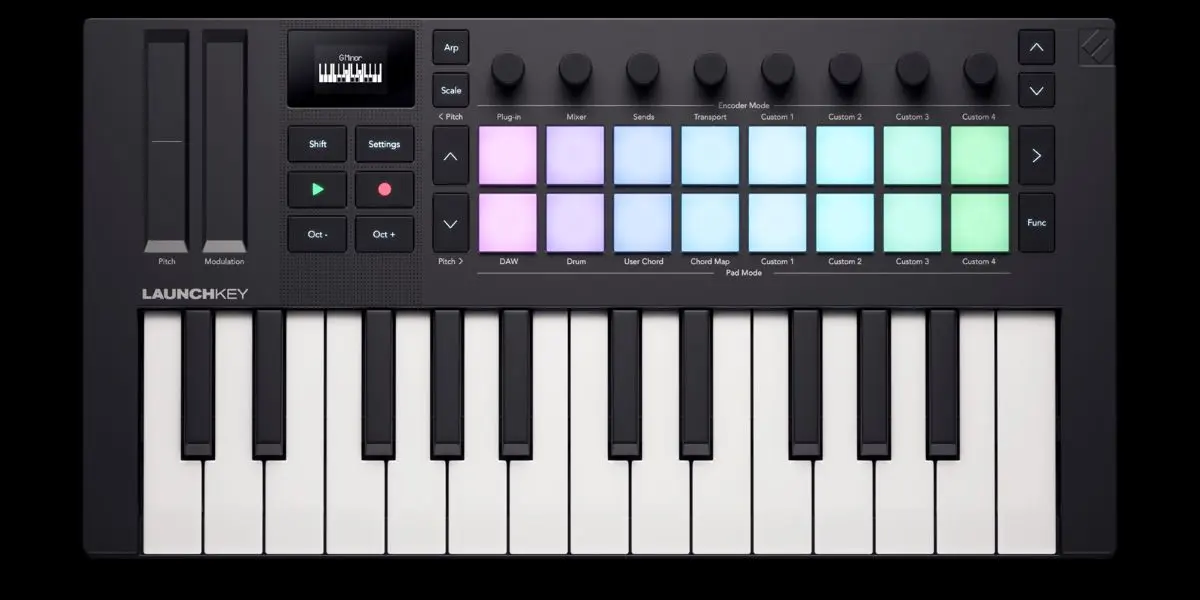
Styled after a traditional piano, ranging from 12 to 88 keys. Most of these keyboards are semi-weighted, unlike traditional pianos, which are typically weighted, though some are weighted. Some of these controllers also have features like MPE that allow the player to be even more expressive. Perfect for arranging melodies, chords, and harmonies.
Keyboard Controller Recommendations:
Native Instruments: https://www.long-mcquade.com/347491/Keyboards/MIDI-Controllers-Interfaces/Native-Instruments/Kontrol-S88-MK3-88-Note-Keyboard-Controller.htm
Pad Controllers:
These MIDI controllers have square pads arranged like a grid, ranging from 4 to 128 pads. These pads, like the keys on a keyboard controller, are velocity-sensitive. Most pads also have LEDs inside to light them up, which can help visualize where things are, unlike keyboard controllers. Drum machines fall under this as well, as they use pads to play your drum sounds and can also use MIDI. These pad controllers are more ideal for programming drums, sampling and beat-making.
Pad Controller Recommendations:
Control Surfaces:
Designed to control mixers, plug-ins and even certain functions from your DAW using faders, knobs and buttons. These are staples in studios for engineers and producers, helping with their workflow. Perfect for heavy recording and post-production.
Control Surfaces Recommendations:
Solid State Logic: https://www.long-mcquade.com/213685/Pro-Audio-Recording/Audio-Interfaces-DAW-Controllers/Solid-State-Logic/UF8-Advanced-Studio-DAW-Controller.html
Which Controller Is For You?
This all depends on what you want to do with it. Get one that would be most familiar to you. If piano is your main instrument or you would like to arrange a composition, get a MIDI keyboard controller. If you play drums or love working with samples, get a pad controller with MIDI. If you play wind instruments, you’re in luck because there is such a device that does MIDI thanks to Roland’s Aerophone.
There are MIDI controllers that look much different than your conventional controllers and have unique ways of using them to help your creative mind unravel its ideas, like ones with triangular-shaped pads or even ones that look like a calculator or typewriter.
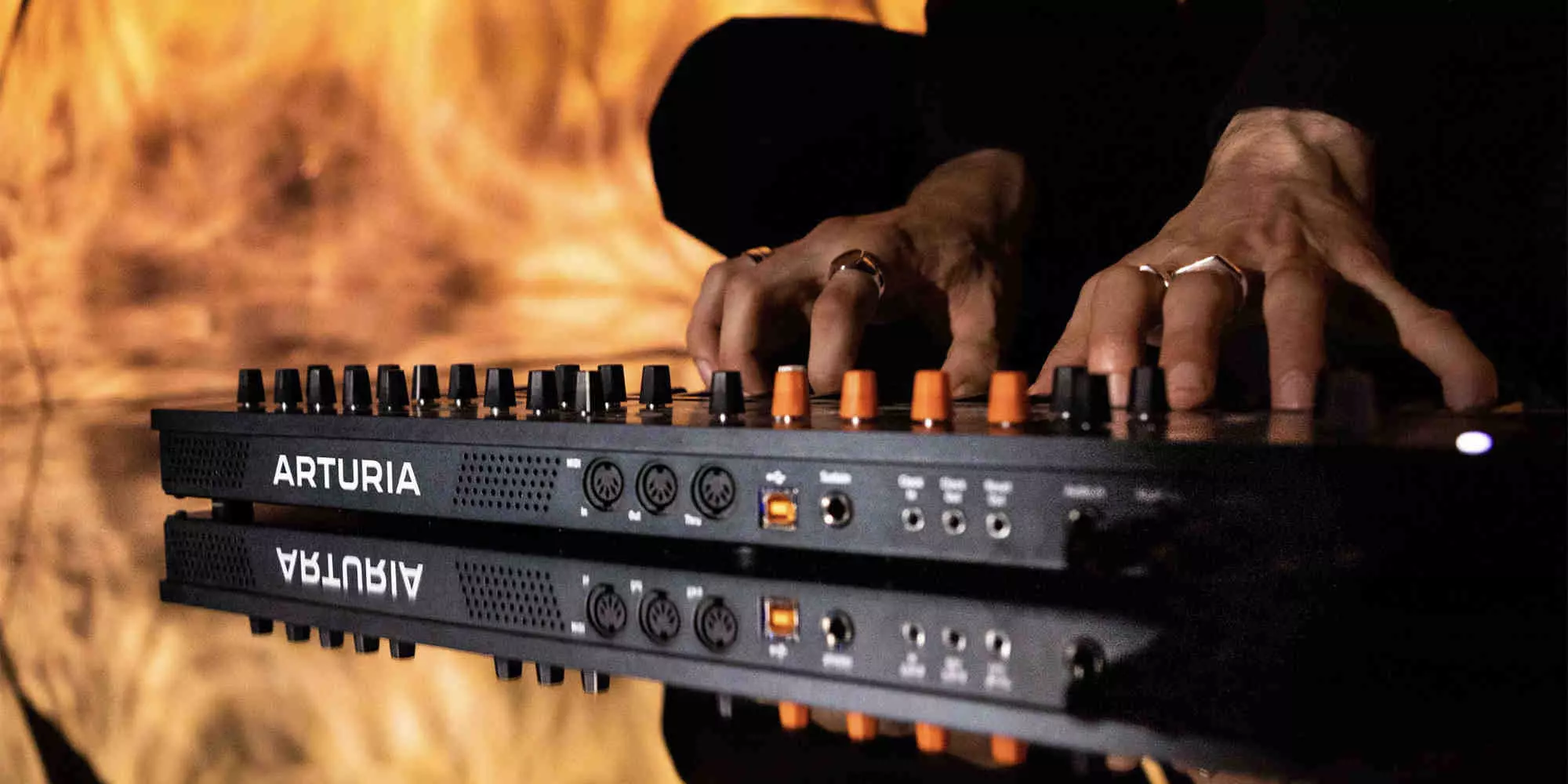
Keep in mind the inputs and outputs of a MIDI controller, as well as additional functions, such as using a sustain pedal with a keyboard controller. Some will have everything you need, and others will be limited, so always make sure to check the inputs and outputs on the back of the controller.
There are so many more MIDI controllers of each type, and each has its own unique way of helping with the workflow of making music. Give it a try, challenge yourself, and go make a song using only MIDI and see what you come up with. It may surprise you all that you can do with it and what ideas start brewing from the wizardry.