
Game Sound Design: Beginner’s Guide to Immersive Audio
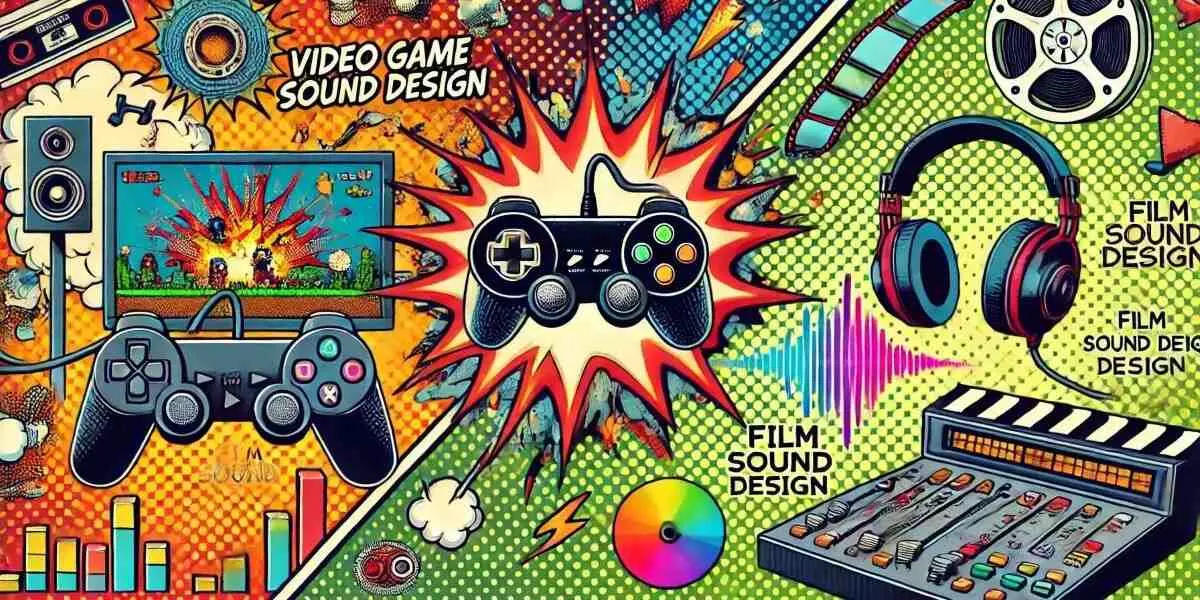
The World of Game Sound Design: A Simple Guide
Have you ever noticed how the sound of footsteps changes when your game character walks on grass, wood, or metal? Or how the music gets intense when enemies approach? That’s the magic of game sound design—an essential part of making games feel real and exciting.
What is Game Sound Design?
Game sound design involves creating and incorporating audio elements, such as background music, sound effects (SFX), voiceovers, and ambient sounds, into video games. Unlike movies, games are interactive, so the sound must change and react to the player's actions. That’s where sound implementation comes in—it connects the sound to the game's actions.
What Does a Game Sound Designer Do?
A game sound designer works closely with developers and artists to:
- Create sound effects for footsteps, weapons, explosions, and other relevant sounds.
- Design ambient sounds like wind, rain, or crowd chatter.
- Implement interactive audio using game engines to adjust sounds dynamically.
- Work with voice actors and clean up dialogue audio.
- Mix and master the final audio to ensure everything sounds cohesive.
Tools and Software Used
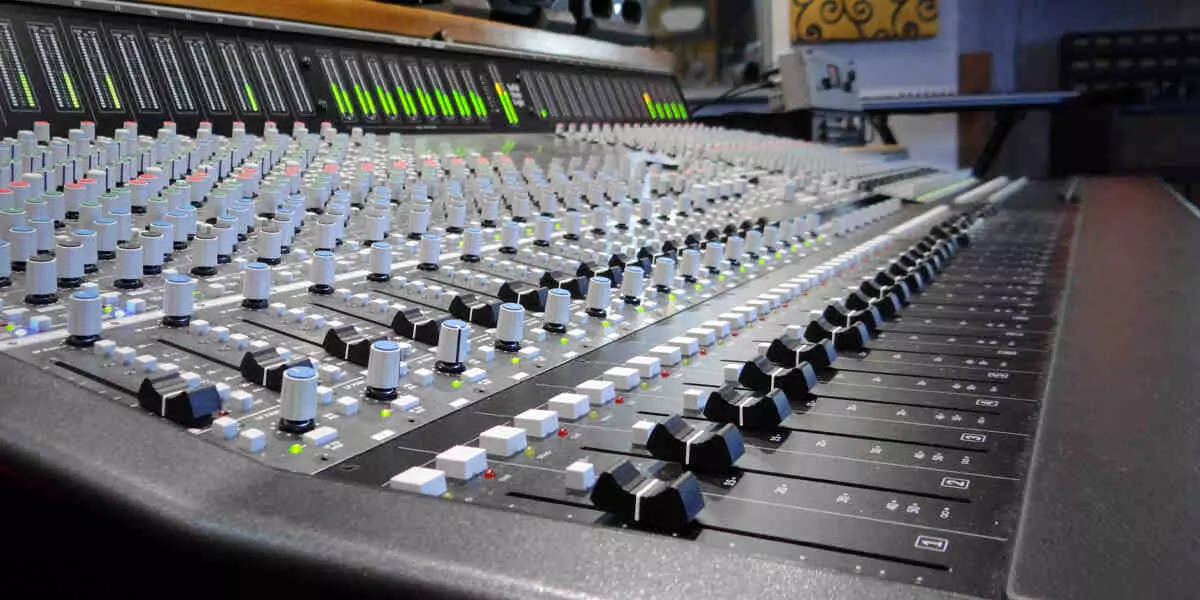
Game sound designers use a mix of digital audio workstations (DAWs) and middleware tools. Here are some popular ones:
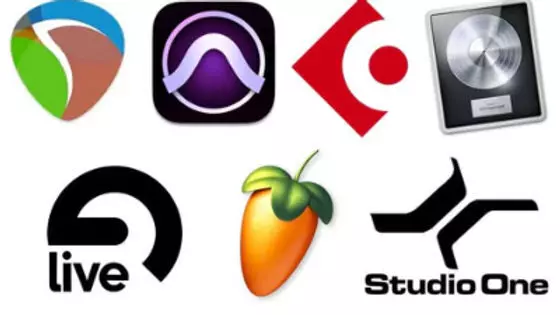
Audio Creation Software (DAWs)
- Reaper – Affordable and powerful, great for beginners.
- Ableton Live – Popular for music-based games.
- Pro Tools – Industry standard, used in big studios.
- FL Studio – Great for electronic music and quick idea creation.
Middleware (Bridges sound and game engine)
- FMOD – Easy to use, integrates well with Unity and Unreal Engine.
- Wwise – Very powerful, used in AAA games.

Game Engines
- Unity – Great for indie and mobile games.
- Unreal Engine – Used in many high-end 3D games.
Roadmap to Becoming a Game Sound Designer
Here’s a simple step-by-step guide to becoming a game sound designer:
Step 1: Learn the Basics of Sound
- Study audio fundamentals (volume, pitch, EQ, reverb).
- Play around with a DAW like Reaper or Audacity.
Step 2: Practice Creating Sounds
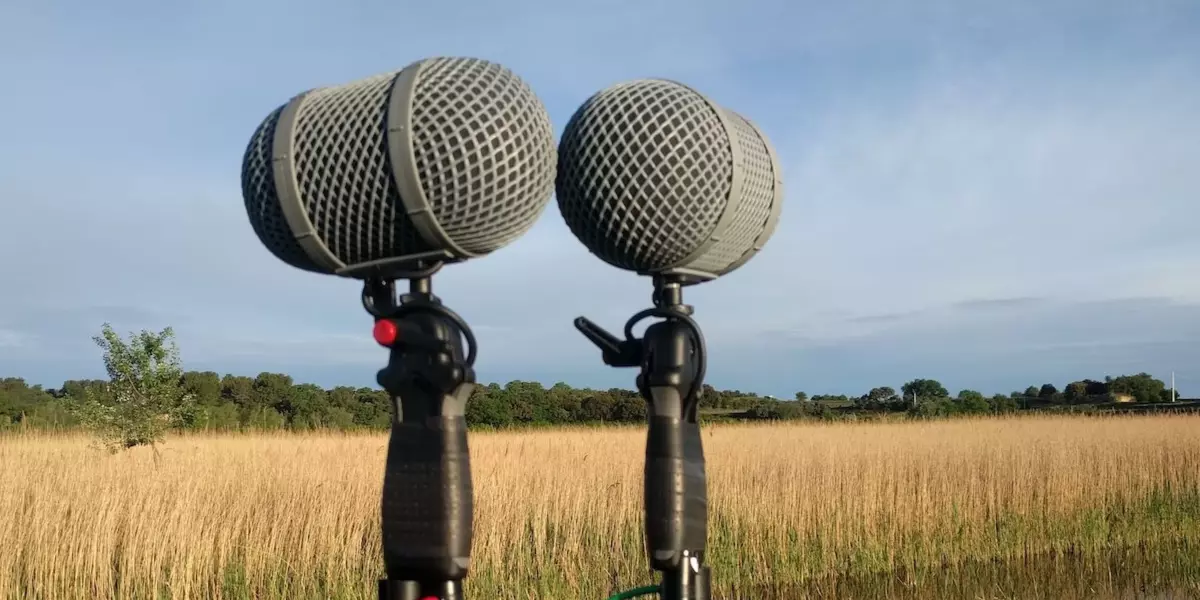
- Record real-world sounds (foley) and modify them.
- Recreate sounds from your favourite games.
Step 3: Learn Audio Middleware
- Start with FMOD or Wwise.
- Try integrating your sounds into a simple Unity game.
Step 4: Build a Portfolio
- Redesign audio for game scenes or trailers.
- Share your work on platforms like YouTube or ArtStation.
- Publish your demos on itch.io or play.unity.com.
Step 5: Collaborate and Network
- Work on indie game projects or game jams.
- Join online communities like Game Audio Slack, Reddit, or Discord groups.
Step 6: Keep Learning
- Take courses (Coursera, Udemy, or School of Game Audio).
- Follow game audio professionals on YouTube or Twitter.
Final Thoughts
Game sound design is where creativity meets technology. It’s a rewarding path if you love games and sound. Start small, practice a lot, and don’t be afraid to experiment. Soon, you could be the one behind the immersive sounds of the next big game!
Useful Links: