7 Essentials You need to Start a Podcast
Starting your podcast might feel overwhelming at first. You may find yourself wondering if you need a professional studio, expensive gear, or years of broadcasting experience.
The truth is you don’t.
What you really need are a few essential tools, a quiet space, and the confidence to begin. If you're thinking about launching your own show, here’s exactly what you need to get started.
1. Microphone
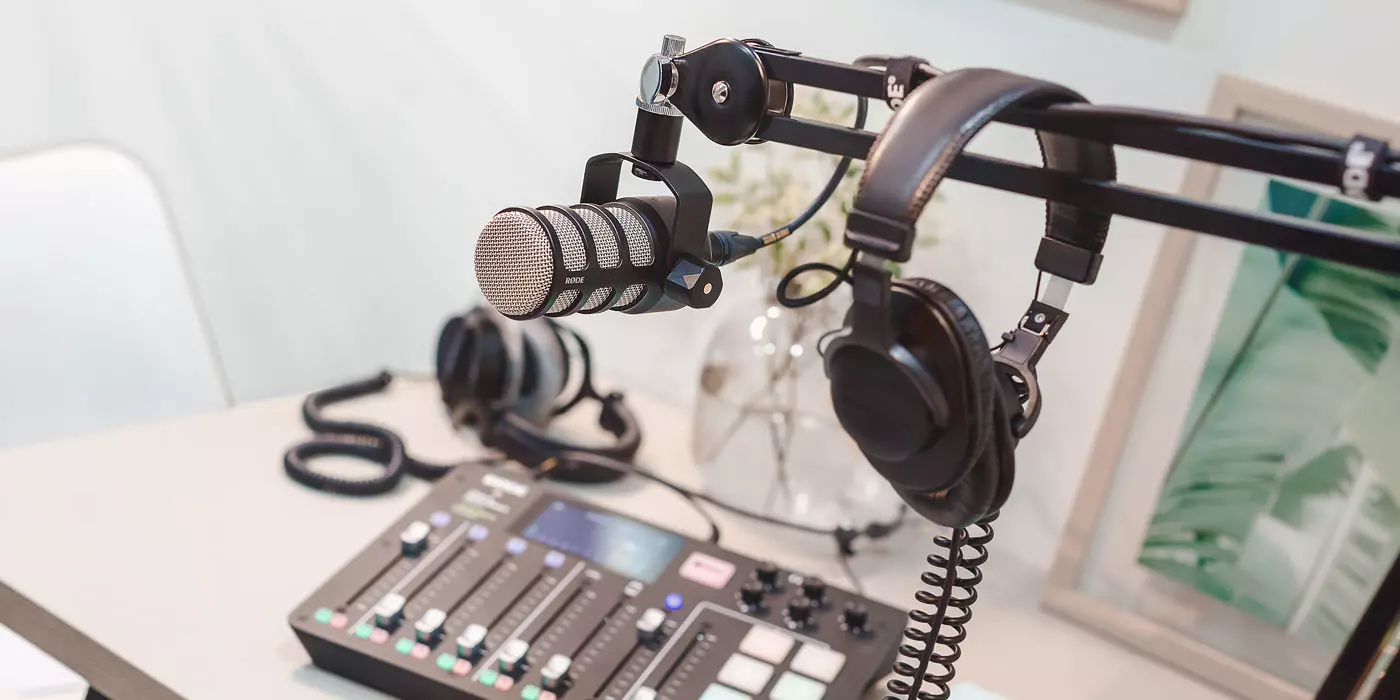
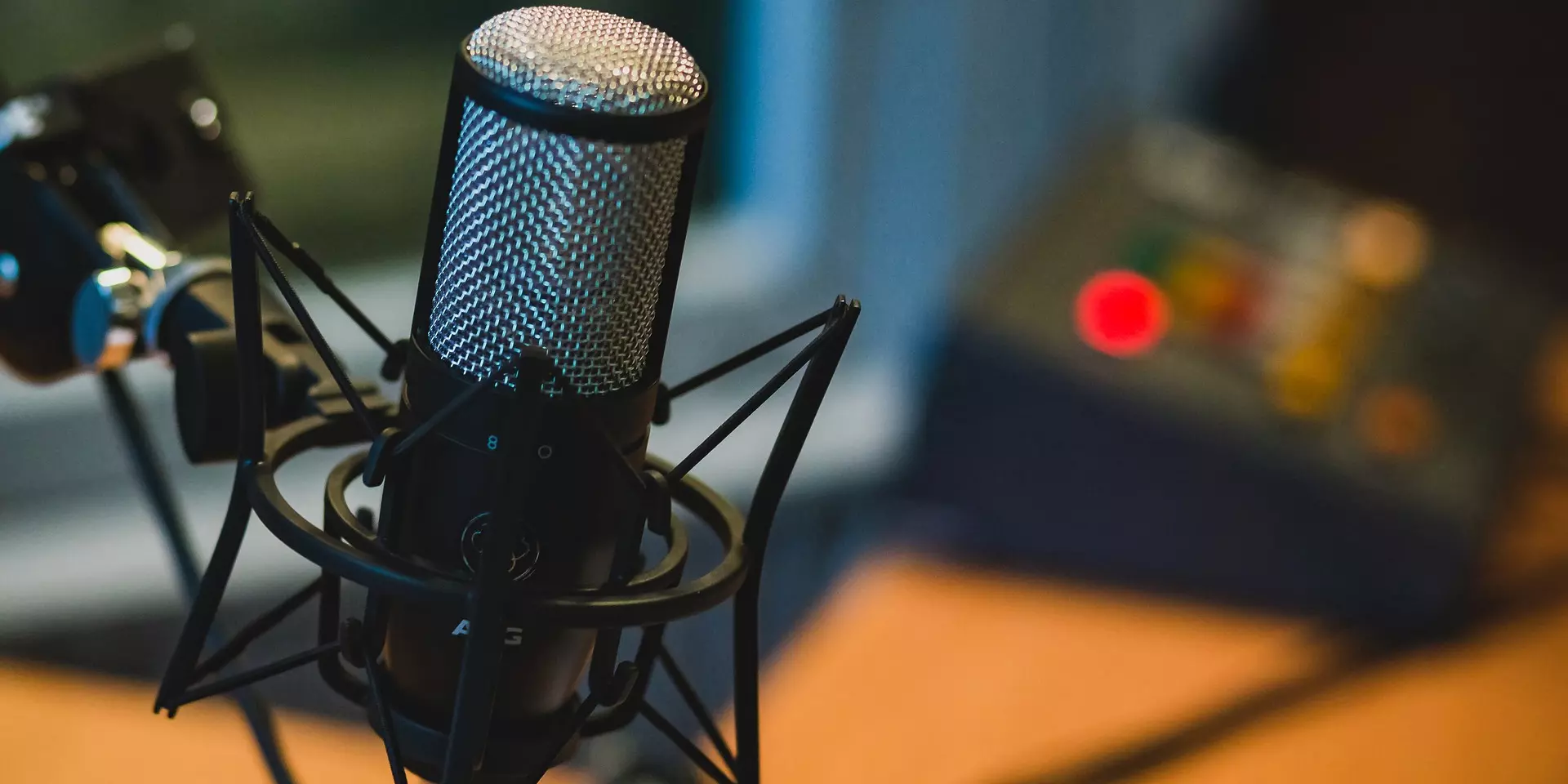
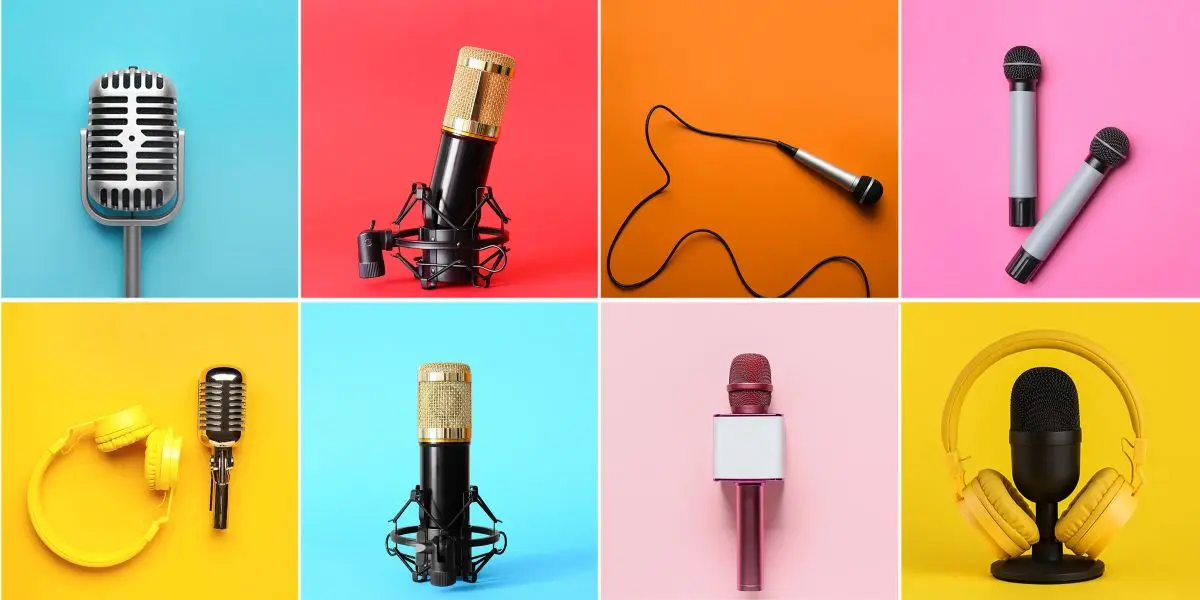
The first thing you should invest in is a quality microphone. Listeners will forgive a lot, but poor audio usually isn’t one of them. When the whole point of a podcast is for the listener to listen to you, a clear voice will help you stand out.
If you're just starting out, choose a USB microphone because it’s simple and plug-and-play. Two great beginner options are:
If you plan to upgrade later, you might consider an XLR microphone, such as the Shure SM7B, used in many professional studios. Just remember, you’ll also need an audio interface to connect it to your computer (hint, hint).
2. Audio Interface
If you upgrade to an XLR microphone, you’ll need an audio interface. This device connects your mic to your computer and improves the sound quality. Two solid options worth considering:
If you're just starting, you don’t need this right away. But if your budget allows, it’s nice to know you will immediately get better sound quality.
3. Headphones
Once you start recording, you’ll realize how important it is to hear exactly what your audience hears. Headphones help you catch background noise, mouth clicks, and volume issues before publishing.
Consider looking into studio headphones. There are open-back headphones and closed-back headphones. Closed-back studio headphones will be ideal to start, and here are two great options:
They block outside noise and keep audio from bleeding back into the microphone. Trust me, this makes a huge difference.
4. Recording & Editing Software
Audio recording software can feel intimidating at first, but there are beginner-friendly tools that make the process simple. The best software will be the one you stick with and spend time learning its shortcuts, pros, and weaknesses.
Here are a few free as well as paid recording software to look into:
- Audacity (Free) – Perfect for starting out and surprisingly powerful.
- GarageBand (Free for Mac users) – Simple and clean interface.
- Adobe Audition (Advanced) – Great for professional-level editing.
- Avid Pro Tools Artist (Perpetual License) – Beginner-level industry-standard digital audio workstation.
You can start with free software and upgrade later. This approach saves money while learning. If you're new, don’t overthink this part. Download a free trial and begin recording. Learn to edit it slowly and improve as you go.
5. Small Accessories That Can Make a Big Difference
These inexpensive add-ons can improve sound dramatically in ways you didn’t initially think. They may seem minor, but they noticeably improve audio quality:
- Pop Filter – Reduces harsh “P” and “B” sounds.
- Shock Mount – Minimizes vibrations from desk bumps.
- Foam Windscreen – Helps with breath control and noise.
There is nothing worse than recording a full session and having to go back and edit the entire thing because of buzzing or popping noises.
6. A Podcast Hosting Platform
Recording is only half the job. Once you have completed your session, you will need a hosting platform to distribute episodes to Spotify, Apple Podcasts, and other streaming services.
Some popular options commonly used include:
- Buzzsprout
- Libsyn
- Riverside
- Transistor
These platforms store your audio files and generate the RSS feed that pushes your episodes everywhere.
7. Brand Strategy
While this one isn’t a physical item to buy, it is just as important. One of the most forgotten things you need when starting a podcast is branding. Before launching, you should create a brand strategy that incorporates the feel and style of your show. Some examples include:
- Podcast cover art (3000x3000 pixels)
- A clear show description of what it's about
- Intro and outro music
- Unique selling point (USPs) that makes your podcast different
Canva is great for designing artwork and labels, and it makes the process easy, even without design experience. Your branding is often the first impression someone gets. Make it count.
Before launching, study podcasts that already sound polished. Listening and watching professionals helps raise standards. Here are examples that can help understand pacing and production:
- The Daily (New York Times) https://www.nytimes.com/podcasts/the-daily
- Example YouTube tutorial on home podcast setup: https://www.youtube.com/watch?v=Gejf39h3_I
Final Thoughts
Starting a podcast isn’t about having the most expensive equipment. It is about starting with what is available and improving along the way. If you’re waiting for “perfect,” you’ll never launch.
As long as you have clear audio, a consistent mindset, a great topic you can speak for hours about, a willingness to learn, and are not afraid to fail, I believe you will become a successful podcaster. Everything comes with time.
If you're thinking about starting your own podcast, you can find all the essential gear you will need at Long & McQuade. We have a large inventory of pro audio & recording equipment to suit your needs. Shop in-store or online today.