
The Long & Confusing History of USB
Last Updated: December 5, 2025
When USB first arrived almost 30 years ago, it was designed to simplify the connection of various devices to a computer. Universal Serial Bus replaced the older Serial Bus connector and was meant to streamline the installation of peripherals.
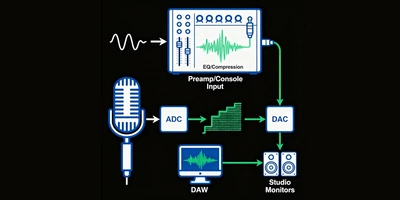
Initially, USB was primarily designed for keyboards and mice, but other peripherals soon followed. However, USB 1.0 was quite slow, with a transfer rate of either 1.5 Mbit/s or 12 Mbit/s, depending on the device. Adoption by manufacturers was rather slow until the introduction of USB 2.0, which increased the maximum speed to 480 Mbit/s. This was now fast enough not only for many peripherals but also for the introduction of Audio Interfaces.
Early USB Audio Interfaces
Early USB interfaces were not ideal, typically limited to just a few channels/tracks at a time, and often resulted in the dreaded “popping and clicking” sounds that required drastically increasing the sample rate buffer size.
Interestingly, this phenomenon had less to do with the interfaces or even the drivers for them, and more with the USB controller chips present on motherboards at the time. Later generations of these controller chips made USB 2.0 significantly more stable, allowing it to operate at higher sample rates and with lower buffers.
Today, USB 2.0 interfaces can theoretically handle around 40 tracks at 24-bit/96 kHz, or 80 tracks at 24-bit/48 kHz.
USB 3.X: The Speed Era
USB 3.0 (also known as SuperSpeed) introduced an entirely new architecture that enabled speeds up to 5 Gbit/s while retaining backward compatibility.
The USB 3.1 specification introduced an Enhanced SuperSpeed System, doubling the bandwidth to 10 Gbit/s.
USB 3.2 came with Gen 1×2, Gen 2×1, and Gen 2×2 (20 Gbit/s) operation modes. However, the higher speeds are only possible with a full-featured USB-C cable.
Connectors VS. Versions
Here’s where we must pause to discuss something about USB-C and USB in general.
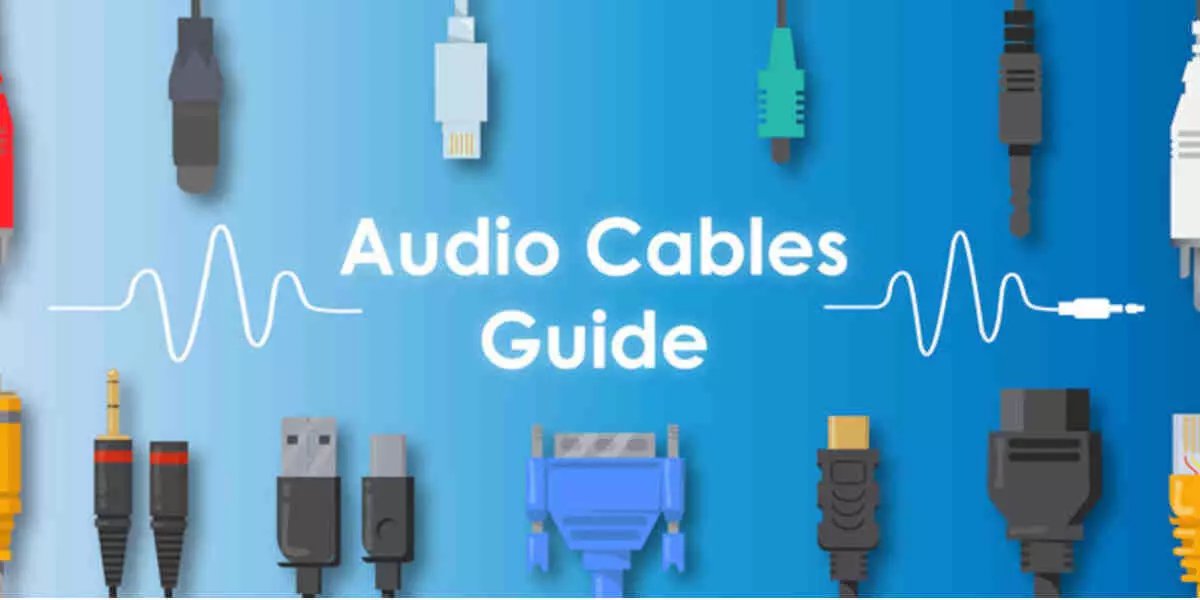
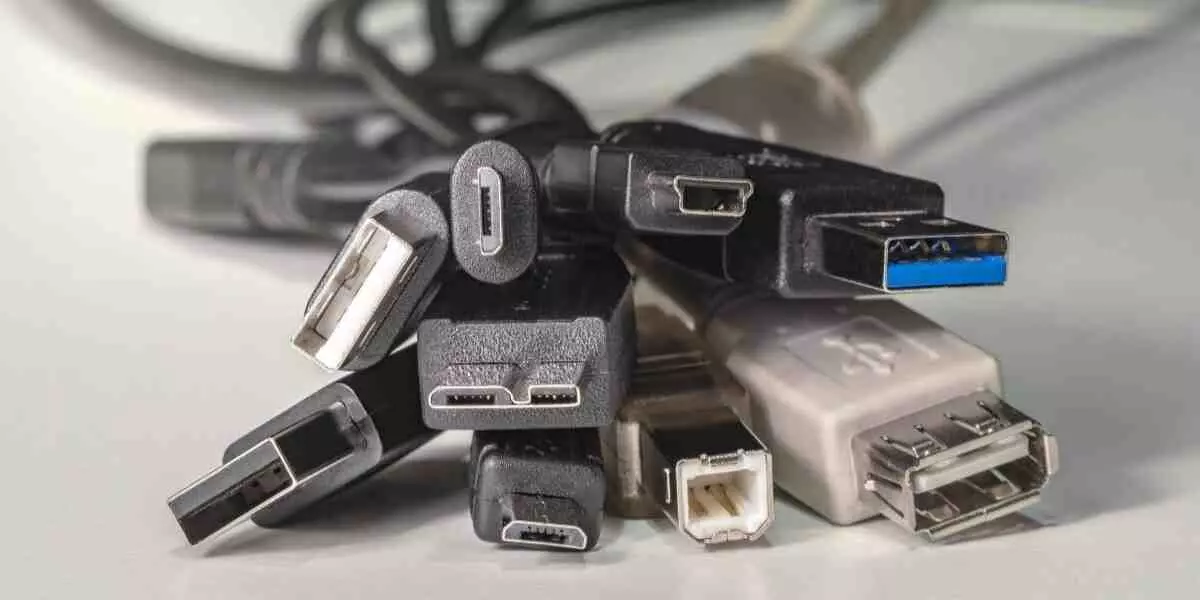
USB-A, USB-B, and USB-C denote the connector form factor, whereas USB 1.0, 2.0, 3.0, 3.1, and 3.2 denote the transfer rates supported.
A few years ago, the industry decided that USB-C was the wave of the future, and as a result, started using it to connect and distribute multiple USB types/speeds. It’s important to note that just because a cable has USB-C doesn’t necessarily make it any faster than a typical USB-A-to-USB-B cable. Many USB 2.0 interfaces today may come with a USB-C cable, as the format gains popularity on computers.
Thunderbolt
Switching gears for a moment, it’s worth noting that Thunderbolt versions 3 and 4 now also use the USB-C connector. However, to connect Thunderbolt devices, you must use a proper Thunderbolt cable, not a regular USB-C cable.
Thunderbolt cables have a small lightning bolt logo at each end. If they don’t, your Thunderbolt device won’t be seen at all. Also, don’t make the mistake of thinking that just because your computer has USB-C ports, it has Thunderbolt.
While it's becoming more popular on some PC motherboards, not all PCs have it. Macs all have Thunderbolt ports, but only SOME of the USB-C ports on a Mac may actually be Thunderbolt, while others are still just USB.
Compatibility Note
Finally, it’s a good rule of thumb to connect like devices to like ports. A USB 2.0 interface will probably run just fine connected to a USB-3 port, but some backward compatibility issues have been noted.
USB Buying Guide
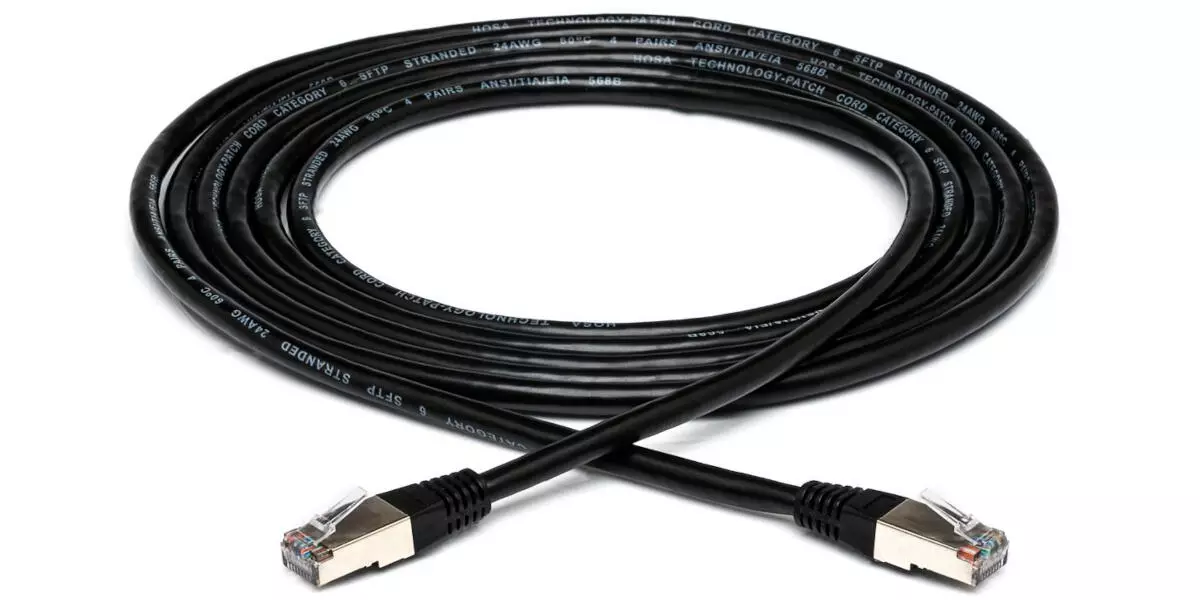
USB A-to-B
USB-C laptop to an older USB-B interface
Thunderbolt 3 cables
USB hubs and docks
- Elektron Overhub 7-port USB hub (USB 3.0, MTT)
- StarTech 7 Port USB-C Hub with Fast Charge Port
- Reloop Stand Hub Pro 10-in-1 USB-C docking stand (with PD)
Single-channel XLR-to-USB solutions
USB-C audio interfaces
Browse more digital/USB cables
You can browse more digital USB cables & audio interfaces on our category pages. Note on labelling and logos: newer USB packaging uses speed numbers like “USB 10 Gbps / 20 Gbps / 40 Gbps / 80 Gbps,” and Thunderbolt ports/cables are identified by a lightning-bolt icon.
FAQs
Is USB-C always faster than USB-A?
No. USB-C is a connector shape. Speed depends on the USB version each port/device supports and on the cable’s data capability. That’s why the USB-IF now promotes clear speed logos (USB 5/10/20/40/80 Gbps) instead of the old “SuperSpeed” names.
Can any USB-C cable work with Thunderbolt gear?
No. Use a Thunderbolt-certified cable and plug into a Thunderbolt-marked port. Otherwise, you’ll get USB-only behaviour or no link at all. Intel
Will a USB 2.0 audio interface limit my track count?
Not for most projects. USB 2.0’s 480 Mbit/s is enough for dozens of 24-bit/48–96 kHz channels on well-designed hardware. Stability depends more on drivers, host controller quality, and your buffer settings than on the raw USB version.
Can I run my audio interface through a USB hub?
Direct to the computer is best. If you must use a hub, opt for a quality, powered hub designed for audio workflows or a solid USB-C dock with sufficient power delivery.
What cable should I use from a new laptop to an older interface?
If your interface has a square USB-B port, use a USB-C-to-USB-B adapter when your laptop lacks a USB-A port; otherwise, a standard A-to-B adapter works. For Thunderbolt devices, use a certified Thunderbolt 3/4 cable and Thunderbolt ports.